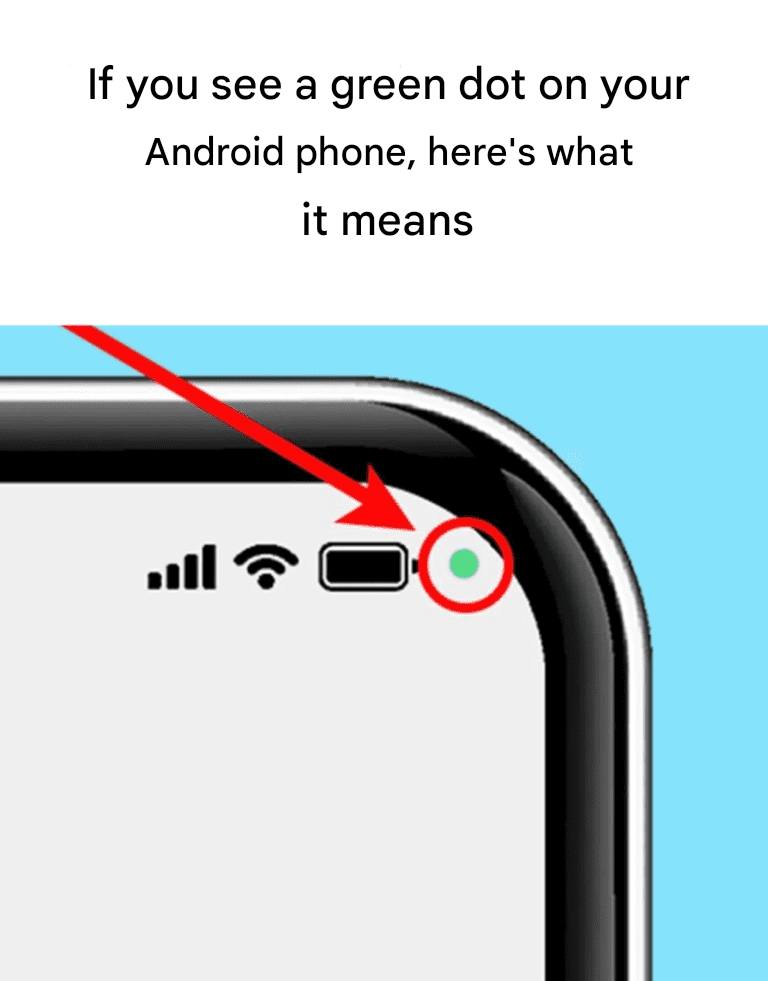

If you’ve noticed a small green dot in the top-right corner of your Android phone, you’re not alone. Many users spot it and wonder what it means. The good news: it’s a privacy feature designed to keep you informed, not a warning that something is wrong.
Modern Android devices, including Samsung phones, include visual privacy indicators that show when sensitive hardware is in use.
✅ What the Green Dot Means
The green dot appears when an app is actively using your camera, microphone, or both.
It’s similar to the privacy indicators on iPhones, but instead of separate colors, many Android devices use one green dot for both functions.
This feature was introduced to give users more transparency and control over their privacy. It helps you quickly know when your phone’s sensors are in use.
Normal situations you may see it:
• Taking photos or recording video
• Using voice messages or calls
• Video chats (Zoom, WhatsApp, Meet, etc.)
• Voice assistants listening for commands
In these cases, the dot is expected.
⚠️ When Should You Check?
If the green dot appears and you’re not using your camera or microphone, it’s worth checking which app is responsible.
It doesn’t automatically mean something harmful is happening — but it’s smart to verify.
🔍 How to See Which App Is Using It
You can identify the app in a few quick steps:
- Swipe down from the top of your screen to open the notification panel.
- Tap the green dot or the privacy indicator icon.
- A panel will show whether the camera, microphone, or both are active.
- It will also display the app currently using them.
🔒 How to Manage Permissions
If you see an app using access unexpectedly:
• Go to Settings → Privacy → Permission Manager
• Check camera and microphone permissions
• Remove access from apps you don’t trust or don’t use
• Consider uninstalling unused apps
Regular permission reviews are a good privacy habit.
🛡️ Why This Feature Is Helpful
Instead of secretly allowing access, Android now makes sensor usage visible. This gives users:
✔️ More transparency
✔️ Better control
✔️ Greater peace of mind
It’s part of Android’s broader push toward stronger privacy protections.
✅ Bottom Line
A green dot on your Android phone simply means an app is using your camera or microphone. Most of the time it’s normal, but it’s always wise to check if you’re unsure.
Staying aware of app permissions helps keep your data and privacy in your control.