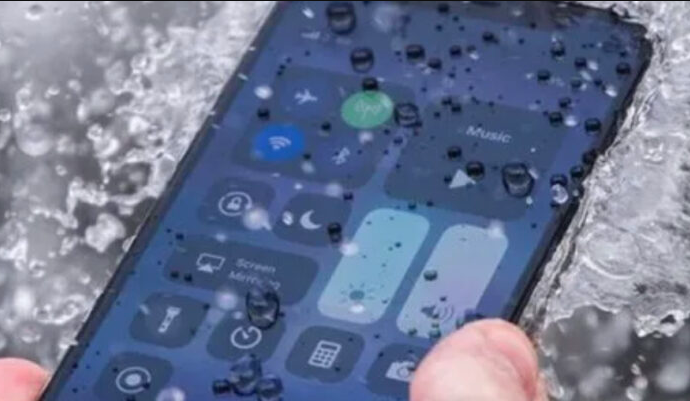

Dropping a phone into water is one of the most stressful accidents for any device owner. It can happen at the beach, by the pool, in the bathroom, or even in the kitchen. The good news is that acting quickly and correctly may improve the chances of saving your phone.
If your phone falls into water, the first few moments are extremely important. What you do right away can make a big difference, while the wrong step may cause even more damage.
Step 1: Do Not Turn It Back On
If the phone turns off by itself after falling into water, do not try to switch it back on immediately. Water inside the device can cause short circuits, and turning it on too soon may damage the internal components even more.
As soon as you remove the phone from the water, take out the battery if the model allows it. You should also remove the SIM card and any memory card. This helps protect the phone and gives the internal parts a better chance to dry.
If the phone fell into salty water or sugary liquid, it is often recommended to carefully rinse the outside with clean tap water. This may help remove residue that could be even more harmful than the water itself. However, it is important to do this gently and only when necessary.
Step 2: Dry It Carefully, But Never With Hot Air
Many people make the mistake of using a hair dryer with hot air, thinking it will dry the phone faster. In reality, hot air can push moisture deeper into the phone and may damage delicate internal parts.
If your hair dryer has a cool air setting, you can use it gently for a short time. If not, it is better to dry the phone with paper towels or a soft cloth.
After that, place the phone in a container filled with uncooked white rice, making sure the phone and battery are completely covered from all sides. Leave it there for 24 to 48 hours so the rice can absorb the remaining moisture.
When to Test the Phone
After waiting at least 24 hours, you can check whether the phone has dried well enough to try turning it on. The longer you wait, the better the chances that the internal moisture has reduced.
Final Tip
Even if the phone appears to work again, moisture can sometimes remain inside and cause problems later. If the device contains important data or is expensive, professional repair service may be the safest option.